Apple Mail on iPhone
Move suspicious messages in one batch.
A dedicated folder separates deliberate reports from automatic Junk filtering and personal flags.
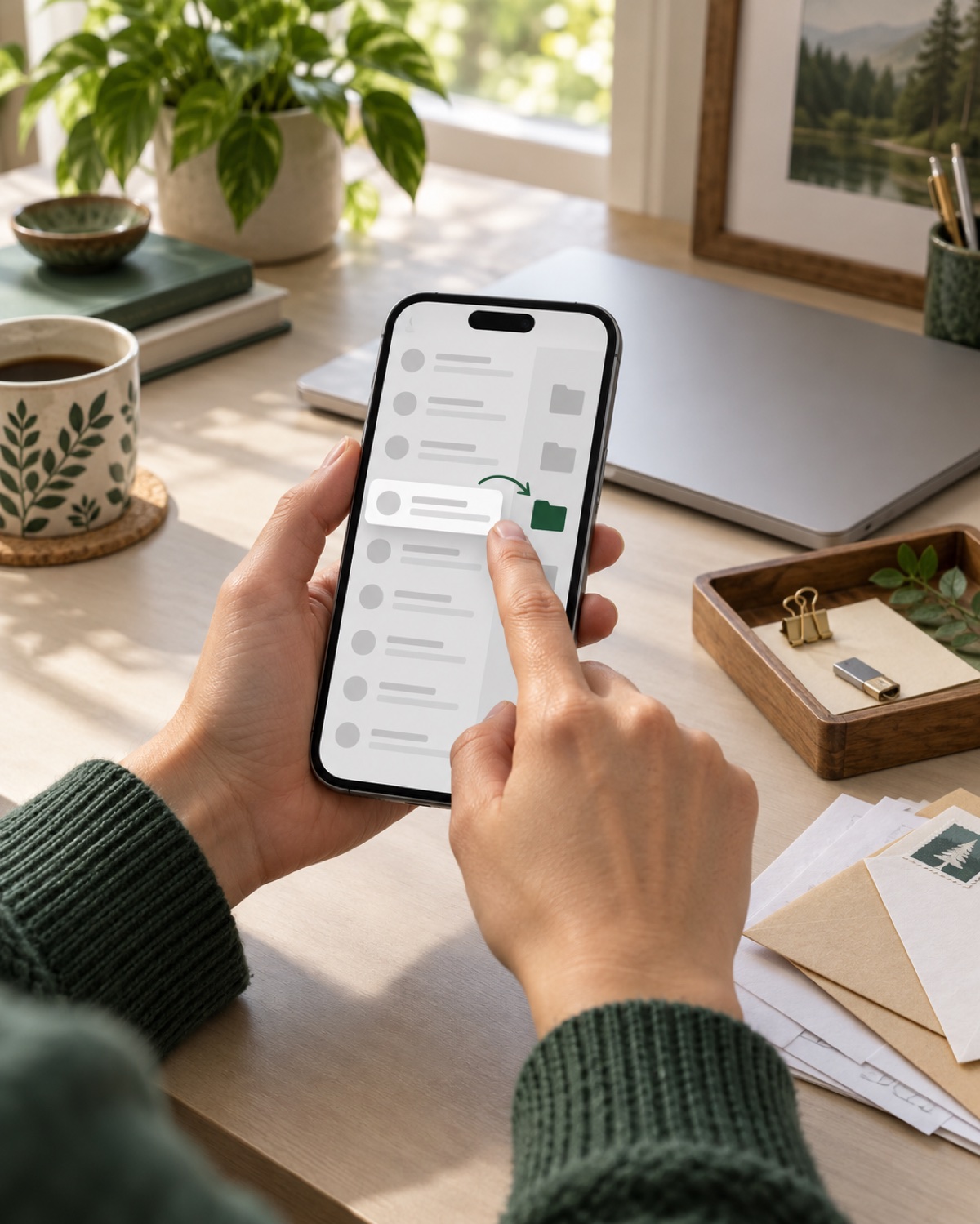
Report one email
- Open the suspicious message without opening its links or attachments.
- Tap the folder or Move control.
- Choose Report to Meilo under the same mail account.
Report several emails
- Open the mailbox list and tap Edit.
- Select every message that belongs to the campaign.
- Tap Move, then choose Report to Meilo.
Why Junk and Flag are different
Junk is controlled by filtering rules and may contain mistakes. Flags are general reminders. Report to Meilo is a deliberate instruction that the connected service can watch without treating every junk message as a case.
The reporting folder appears after the mailbox has been connected and validated. No password is requested through the public website.